Shotty Studio
Product
Project overview
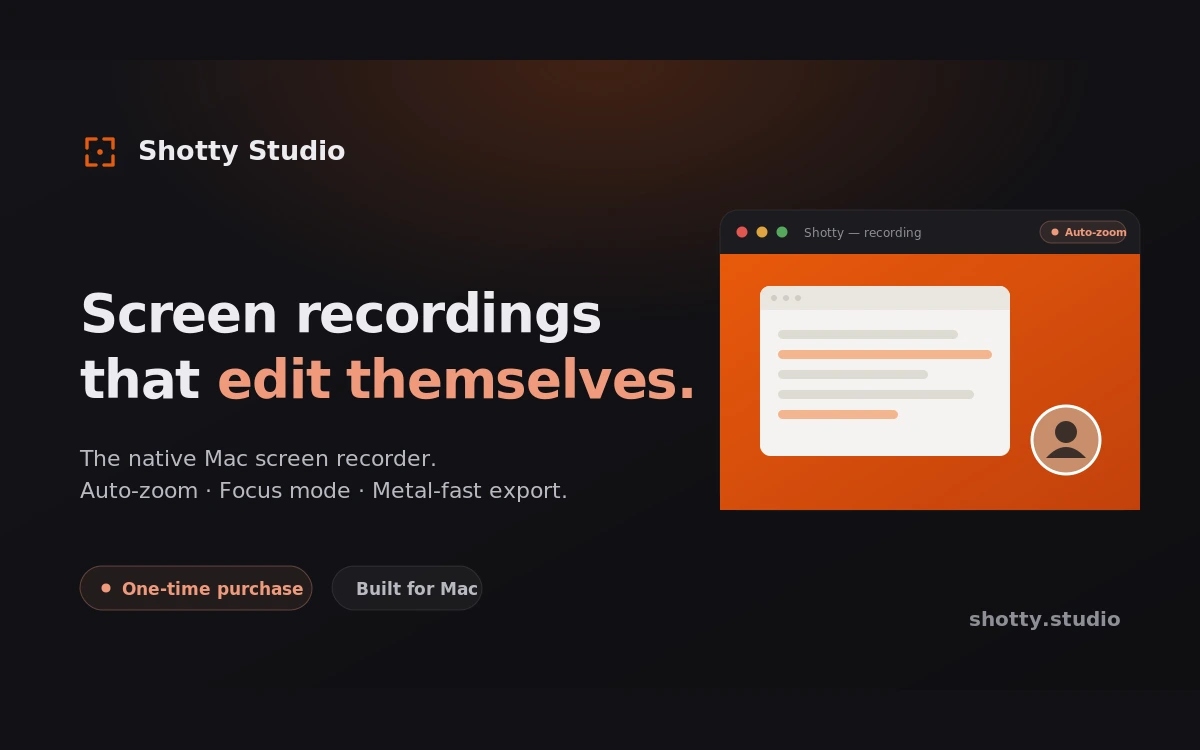
Shotty Studio is a native macOS workspace for turning screenshots and recordings into focused stories. It brings capture, editing, privacy review, motion, and export into one continuous workflow instead of making people move their screen work through a chain of disconnected tools.
The Capture Editor can frame and style screenshots, add re-editable annotations, recognize text, and surface sensitive details for review before sharing. The Recording workflow keeps the decisions behind a take editable: clicks can become auto-zoom segments, quiet spans become speed-up suggestions, and cursor, keystroke, webcam, and audio presentation can be refined after recording.
One continuous workflow
- Capture intentionally: choose a display, window, group of windows, or region.
- Shape the story: annotate screenshots or refine recording timing, focus, and overlays.
- Review before sharing: use local OCR and suggest-and-confirm redaction tools without surrendering control.
- Export natively: render screenshots or ship H.264, ProRes 422, and GIF through GPU-backed paths.
Native stack
- Interface: SwiftUI with narrow AppKit integration for native macOS windows and system behavior
- Capture: ScreenCaptureKit for full-resolution screenshots and focused recordings
- Media: AVFoundation for recording, timeline work, and export
- Rendering: Core Graphics, Core Image, and Metal-backed compositing
- Local intelligence: Apple Vision and
NSDataDetectorfor OCR and sensitive-data suggestions
Core capture, editing, and export stay on the Mac. Optional provider-backed AI is explicitly configured by the user; the local workflow does not depend on it.
What I’m learning
Shotty is where I’m learning how a serious native product fits together: SwiftUI and AppKit boundaries, ScreenCaptureKit behavior across displays and windows, time-based editing, GPU rendering, privacy-sensitive product decisions, licensing, updates, and the unglamorous reliability work required to ship all of it as one coherent Mac app.